Installing the iOS Mobile App
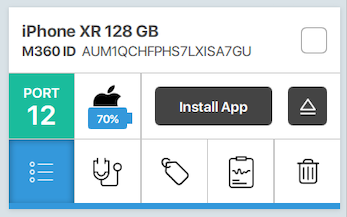
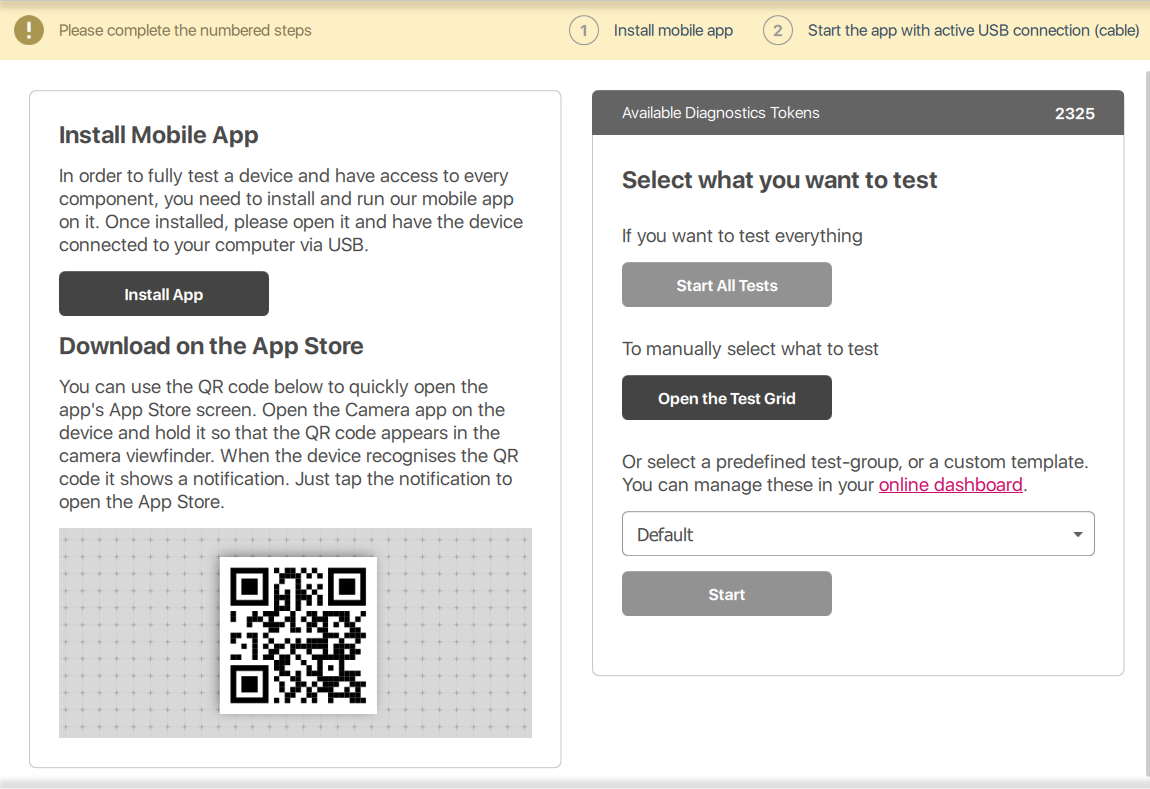
Dernière mise à jour le 19 déc. 20241 min de lectureYou can manually install the M360 mobile app on connected iOS devices by pressing the "Install App" button on the left-hand side mini phone card or by navigating to the Diagnostics tab and pressing the "Install App" button there. Alternatively, you can install the app by scanning the QR code.
If you encounter an issue where the mobile app doesn't open after a successful installation and instead prompts for an App Store login, ensure the following:
- The device is connected to WiFi.
- The region is correctly set up.