Apple Watch Support
Ultimo aggiornamento il 26 nov 20263 min di letturaWith version 2.9, M360 is officially introducing Apple Watch support, making the familiar features currently available for mobile devices accessible on Apple Watches as well. These include Setup Bypass, Diagnostics with application, Data Erasure, Grading, and more.
However, getting all the well-known features run on Apple Watches, this requires an M360 Wireless Adapter developed and manufactured by M360. This dongle enables communication between M360 and the watches.
In addition to the M360 Wireless Adapter, we will continue to support the previous connection methods:
- Diagnostic Port: Available on models preceding the S6 series, as well as SE models.
- Wireless 60.5 GHz Jig: Available on S7 series and later models, as well as Ultra models.
Please note that the features available depend on the connection method used!
The features supported by the M360 Wireless Adapter are currently available exclusively for Apple Watches and from version 2.9. All Apple Watch series are supported through the M360 Wireless Adapter, which works on both Windows PCs and Macs.
Versions prior to 2.9 will continue to support the previous Apple Watch connection methods and will charge a Unique Device Token for each connected watch, just as they do for smartphones and tablets.
With version 2.9, however, we are introducing a new token type called the Watch Token. This token will be charged for all Apple Watches detected through either the new M360 Wireless Adapter or the previously supported connection methods.
In other words:
- Version 2.9 and later: Only Watch Tokens are charged for Apple Watches, regardless of the connection method.
- Versions prior to 2.9: M360 Wireless Adapter support is not available. Watches connected via physical connection or a wireless 60.5 GHz jig will consume Unique Device Tokens.
M360 Wireless Adapter Pricing
NET EUR 129 / unit + VAT + shipping costs
It is currently available in limited quantities and is in the pre-order phase. Therefore, only one unit can be ordered alongside an annual licence, and it will be invoiced separately.
We will issue a manual pro forma invoice, which can only be paid via bank transfer. Once the payment has been received, we will proceed with shipping.
It will be made available to everyone soon.
Watch Token Pricing
All paid subscription plans available on our Pricing page include a certain number of Watch Tokens at no additional cost. The subscription prices remain unchanged.
As usual, you can also purchase additional Watch Tokens. Their pricing can be found by selecting your preferred subscription configuration on our Pricing page. The same option is also available in your Online Dashboard under Subscription Details.
Summary – M360 Version Compatibility
Version 1.6.9 - 1.6.10
- Apple Watch detection
- Basic device information retrieval only
From version 2.8.0
- Device information
- Manual diagnostics
- Grading
- Wiping (manual wipe, validation, and erase with flash)
From version 2.9
- M360 Wireless Adapter pairing
- Access to all available device information
- M360 App Diagnostics
- Setup Bypass
- Factory Reset
- And more
Current limitations of M360 Wireless Adapter with version 2.9:
- Apple Watches cannot be detected in Recovery or DFU mode.
- Watches currently paired with an iPhone and displayed on the Home Screen cannot be detected either. They must first be unpaired from the iPhone and erased before they can be connected to M360.
- Flashing is supported only through wired dongles.
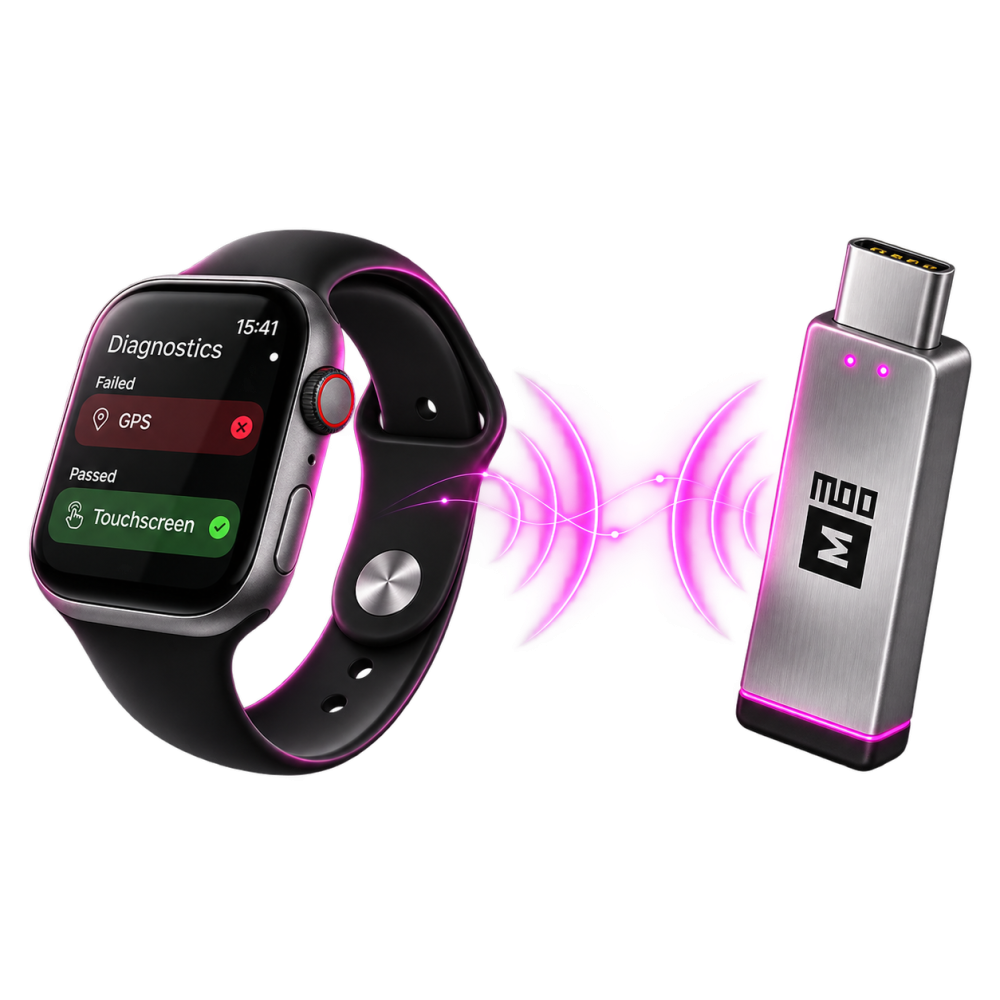

 Apple Watch