OEM перевірки (тільки iOS)
Останнє оновлення 1 груд. 2025 р.1 хв читання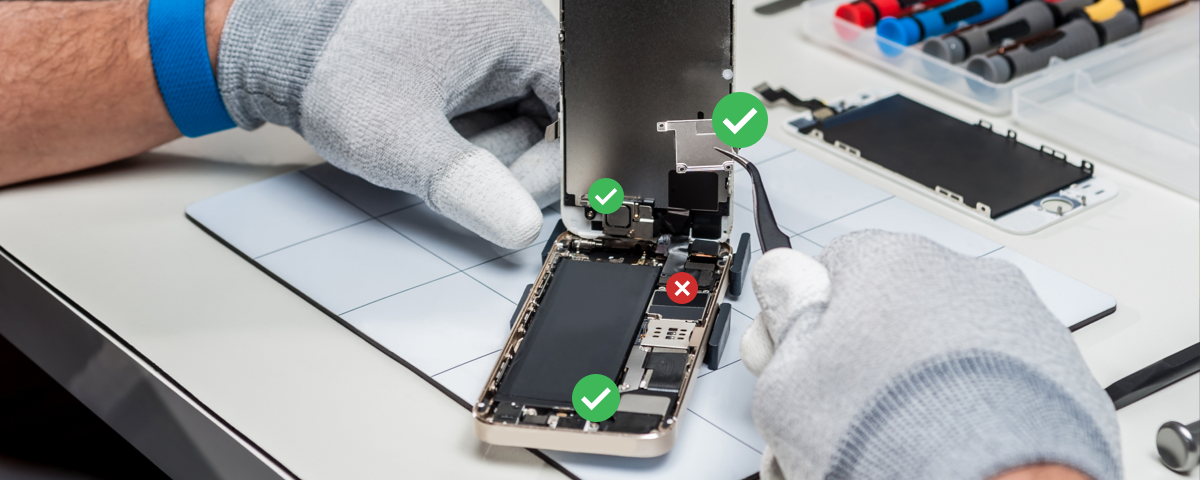
If there is a green checkmark on this panel, all parts of this device are original. If there is a red X, at least one part has been replaced. You can click this menu to find out the specific details for each part:
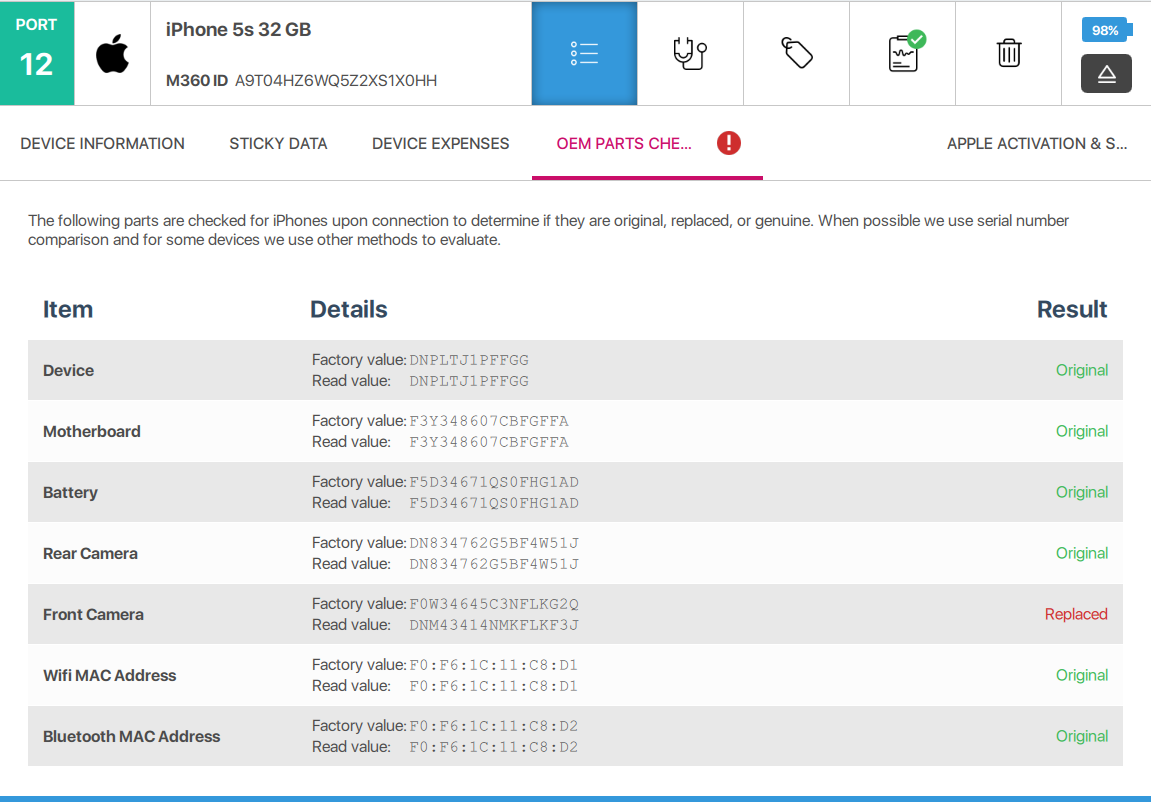
- Item: The name of the part
- Factory Value: The ID the part is supposed to have according to its original data
- Read Value: The ID M360 has read from the device
- Result: Either “Original” or “Replaced” depending on the results of the previous 2 values