Installing the Android Mobile App
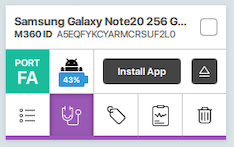
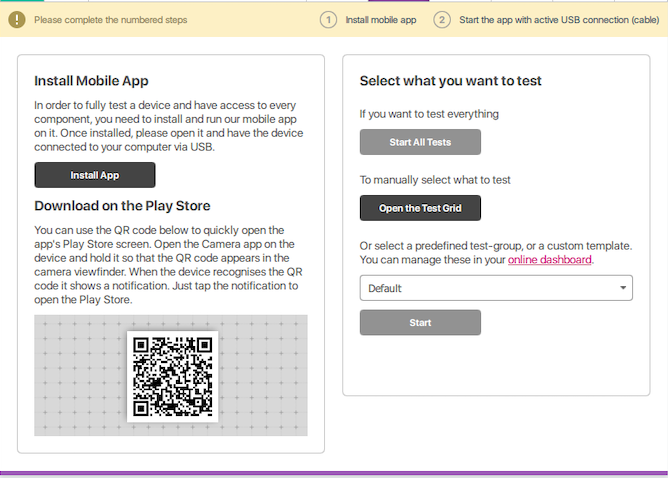
Ostatnia aktualizacja: 1 gru 20251 min czytaniaPuedes instalar manualmente la aplicación móvil M360 en dispositivos iOS conectados presionando el botón "Instalar aplicación" en la mini tarjeta del teléfono del lado izquierdo o navegando a la pestaña de Diagnósticos y presionando el botón "Instalar aplicación" allí. Alternativamente, puedes instalar la aplicación escaneando el código QR.