Installing the Android Mobile App
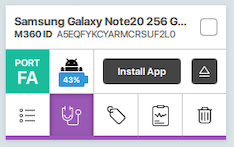
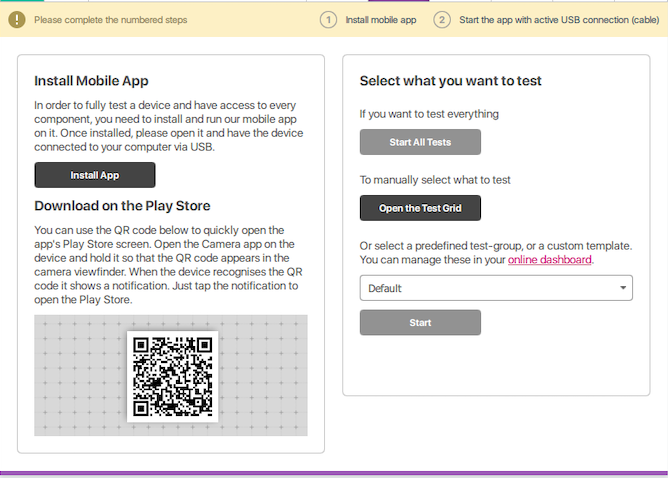
Ultima actualizare la 1 dec. 20251 min citireYou can manually install the M360 mobile app on connected iOS devices by pressing the "Install App" button on the left-hand side mini phone card or by navigating to the Diagnostics tab and pressing the "Install App" button there. Alternatively, you can install the app by scanning the QR code.