
Diagnose & Erase
Apple Watches
Like never before
Connect, test, and reset any Apple Watch wirelessly with M360.
One solution for every Apple Watch:
- WindowsMac
- All watchOS versions
- Wireless via M360 dongle



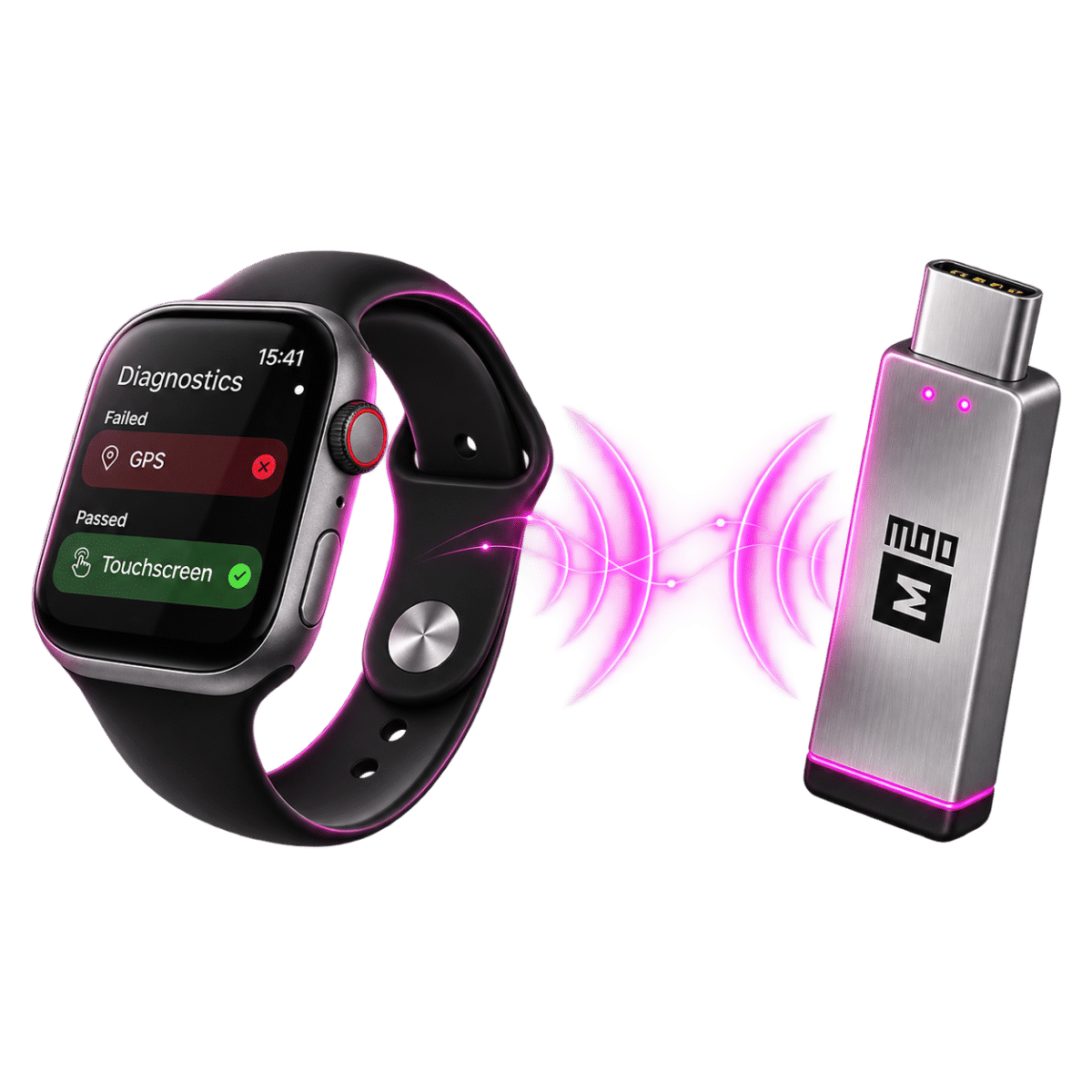

Wireless. For real.
World's first truly wireless solution for connecting Apple Watches to your desktop!
No cables. No compromises. Just wireless connectivity.




Designed and manufactured by M360
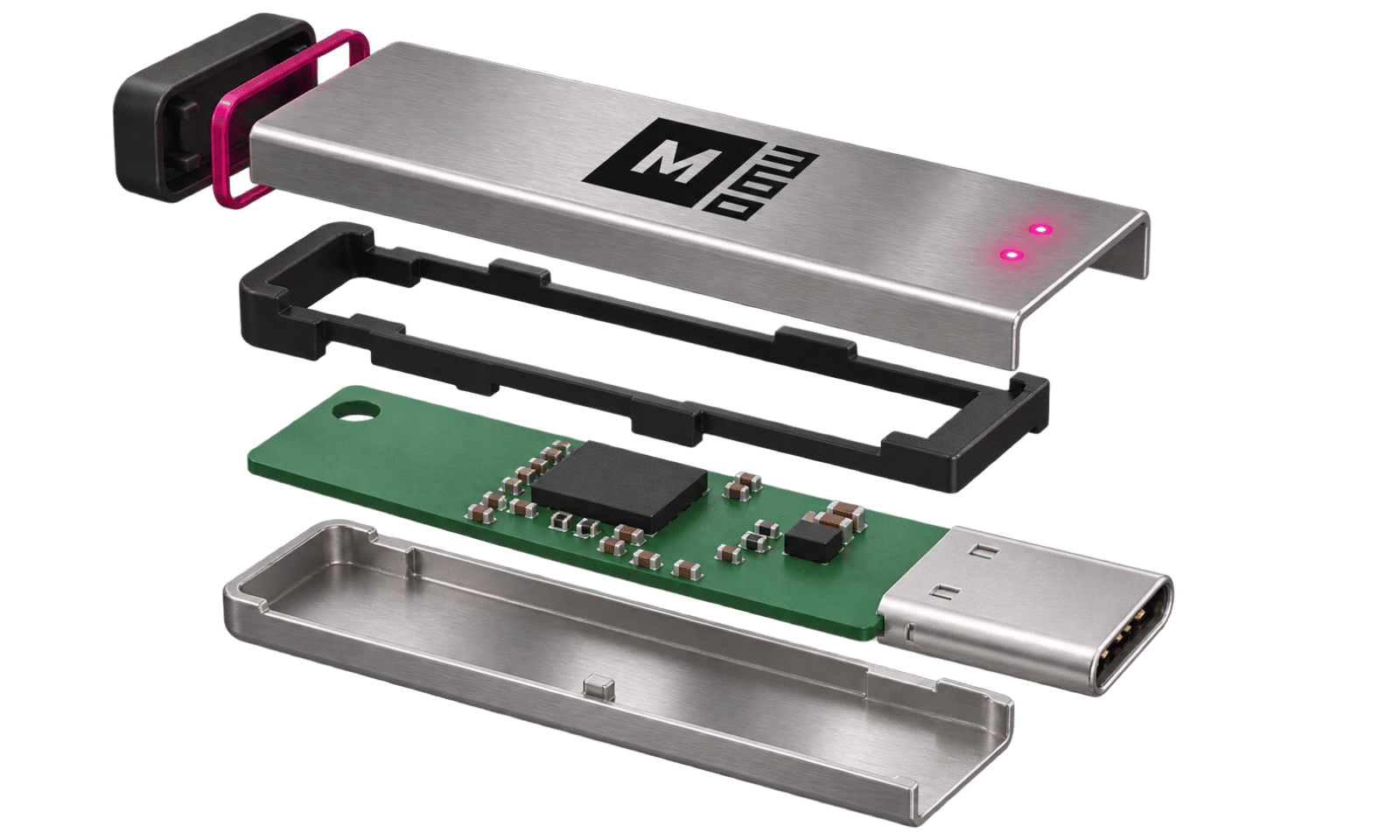
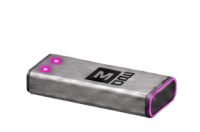
Designed and manufactured by M360, our USB-C dongle connects your computer wirelessly to Apple Watch. No iPhone pairing needed — just plug it in and start testing.
Dongle Characteristics
- Secure
- Reliable
- Fast
- Durable
Plug in. Connect. Test.
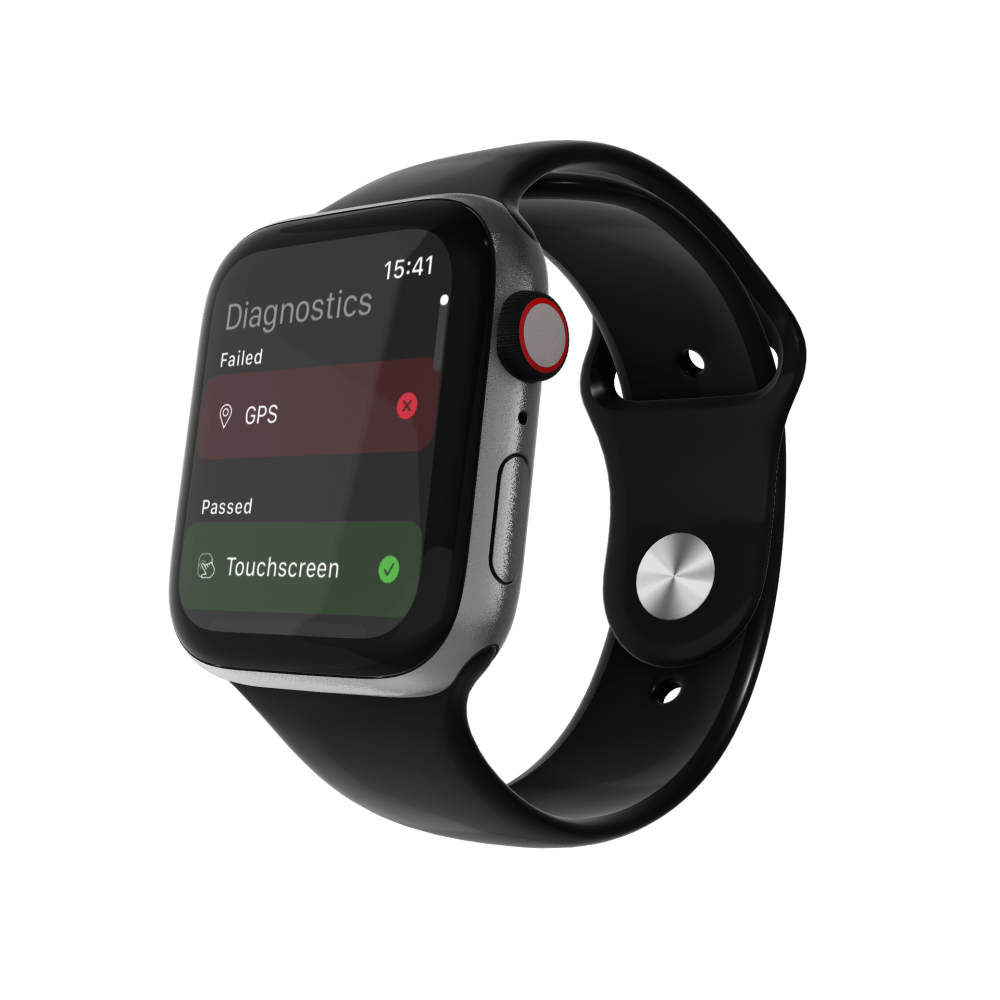
Diagnostics with the M360 Application
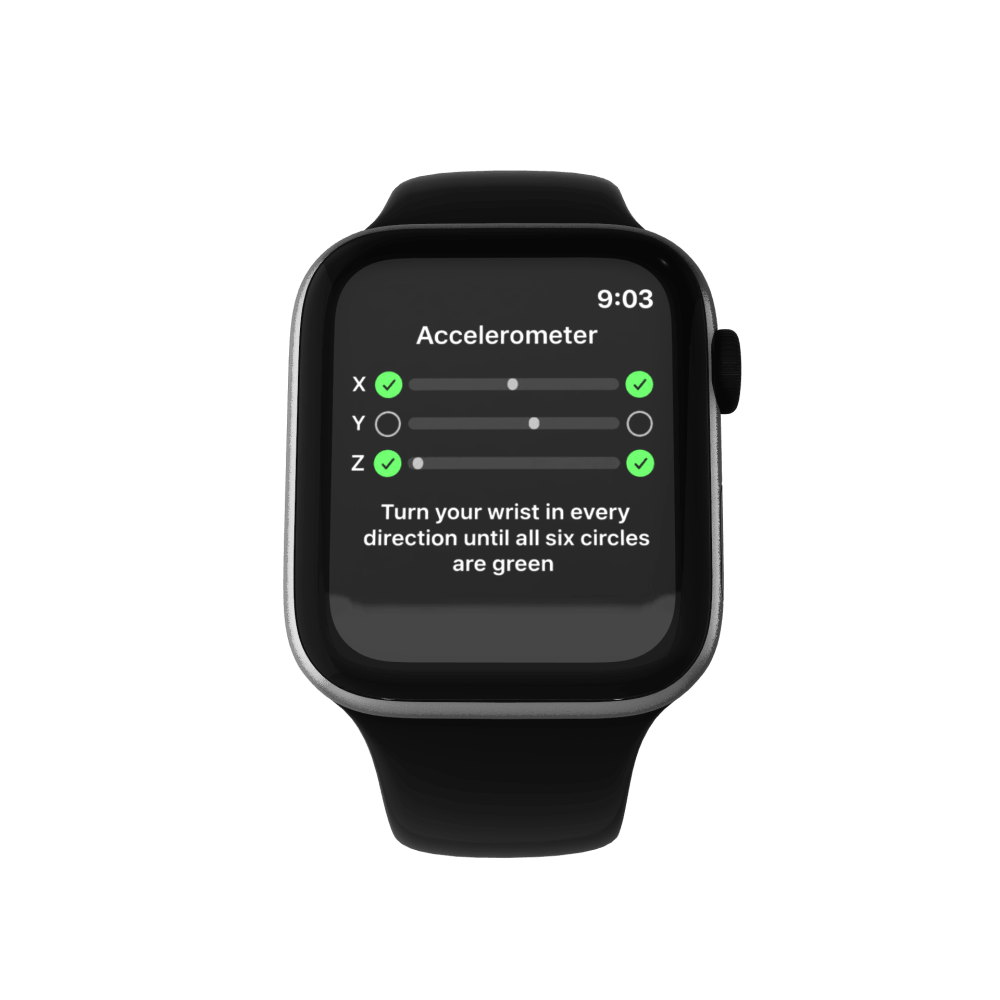
M360 bypasses the Setup screen, so the watch does not have to be set up before testing. Then it runs every test that are available.
Tests only the app can run:
- Touchscreen
- Microphone + Speaker
- Motion sensors
- Health sensors
Tested.
Not assumed.
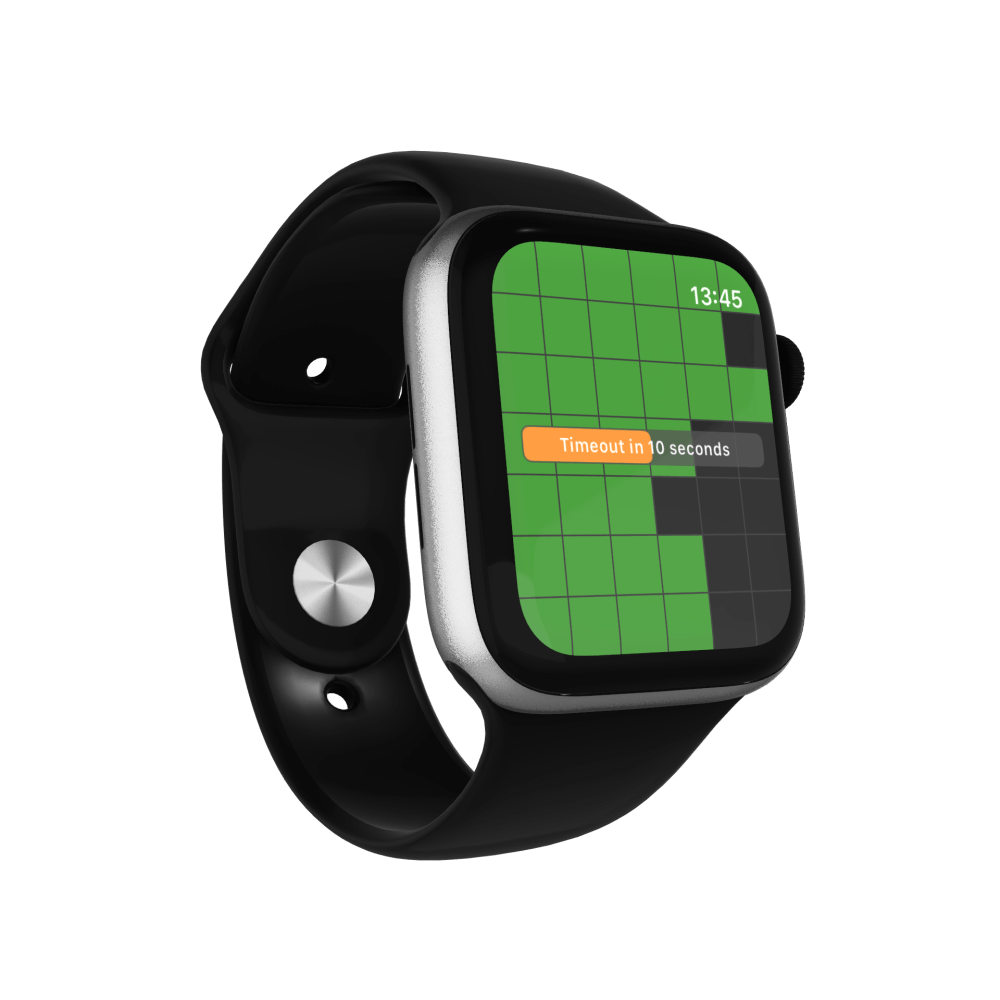

Factory reset, fast and trusted
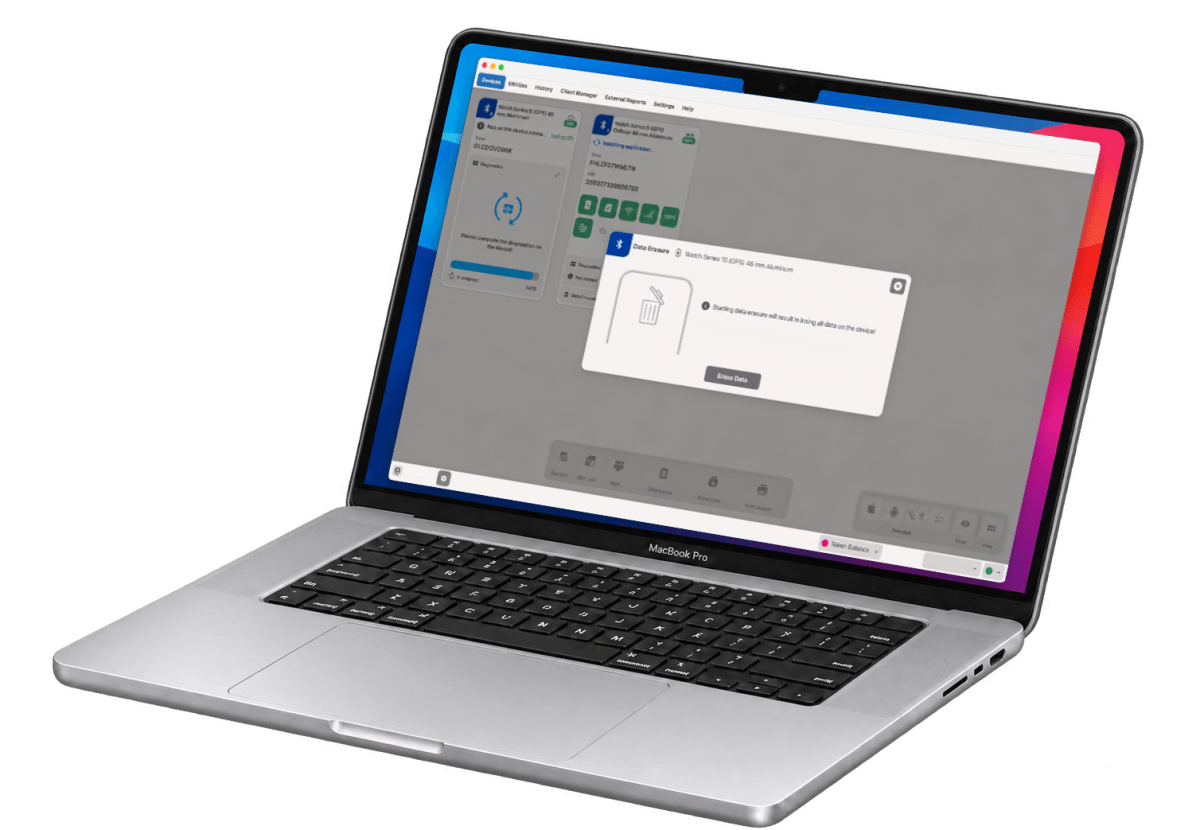
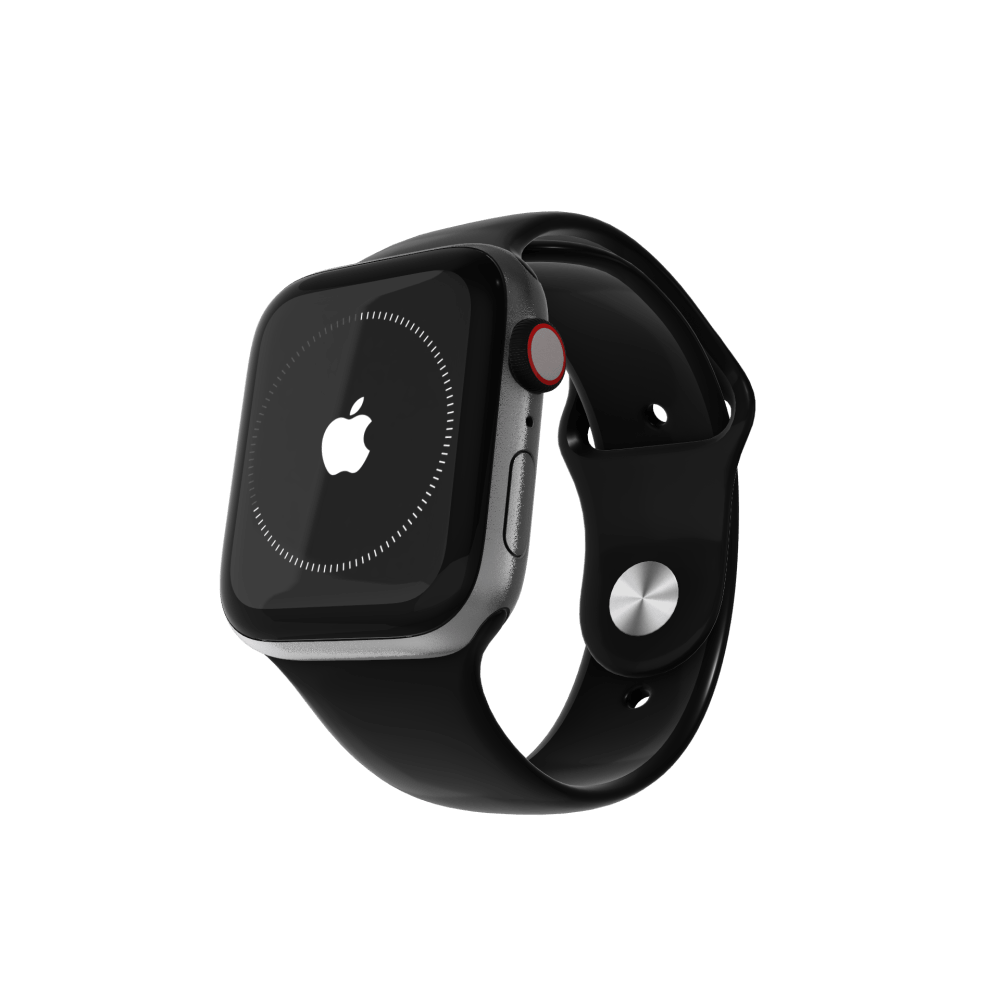
Finish every Apple Watch session with a factory reset you can rely on – before it moves on to its next owner.
M360® wipes it properly:
- Apple crypto erasure
- eSIM removal
- Verification
- Fast and trusted
Fast.
Trusted.
Erased.
Comparison
One dongle beats every workaround.
See what each setup offers, at a glance.
| Feature | M360 dongle | Wired jig | via iPhone |
|---|---|---|---|
| Works in M360 | |||
| All watchOS versions | |||
| Windows & macOS | |||
| Device info | |||
| Detailed asset info | |||
| All models, one solution | |||
| No band removal or dock | |||
| Factory reset | |||
| eSIM removal in erasure | |||
| App-based diagnostics |
- Available
- Not available
- Limited / extra steps
- Takes longer

Start today with
Apple Watch on M360®
Log in with your M360 account, fill out the form and register your interest in Apple Watch diagnostics.
Join the waitlist